AccelIntel: Velocity-Based Training App for iPhone and Apple Watch
Train Smarter.
Move Faster.
Get Stronger.
AccelIntel is a velocity-based training app for iPhone and Apple Watch. It helps athletes, lifters, sprinters, and coaches measure bar speed, track velocity loss, monitor fatigue, and train in the right VBT zone. AccelIntel is designed to help strength training support power, explosiveness, acceleration, and speed-focused performance.
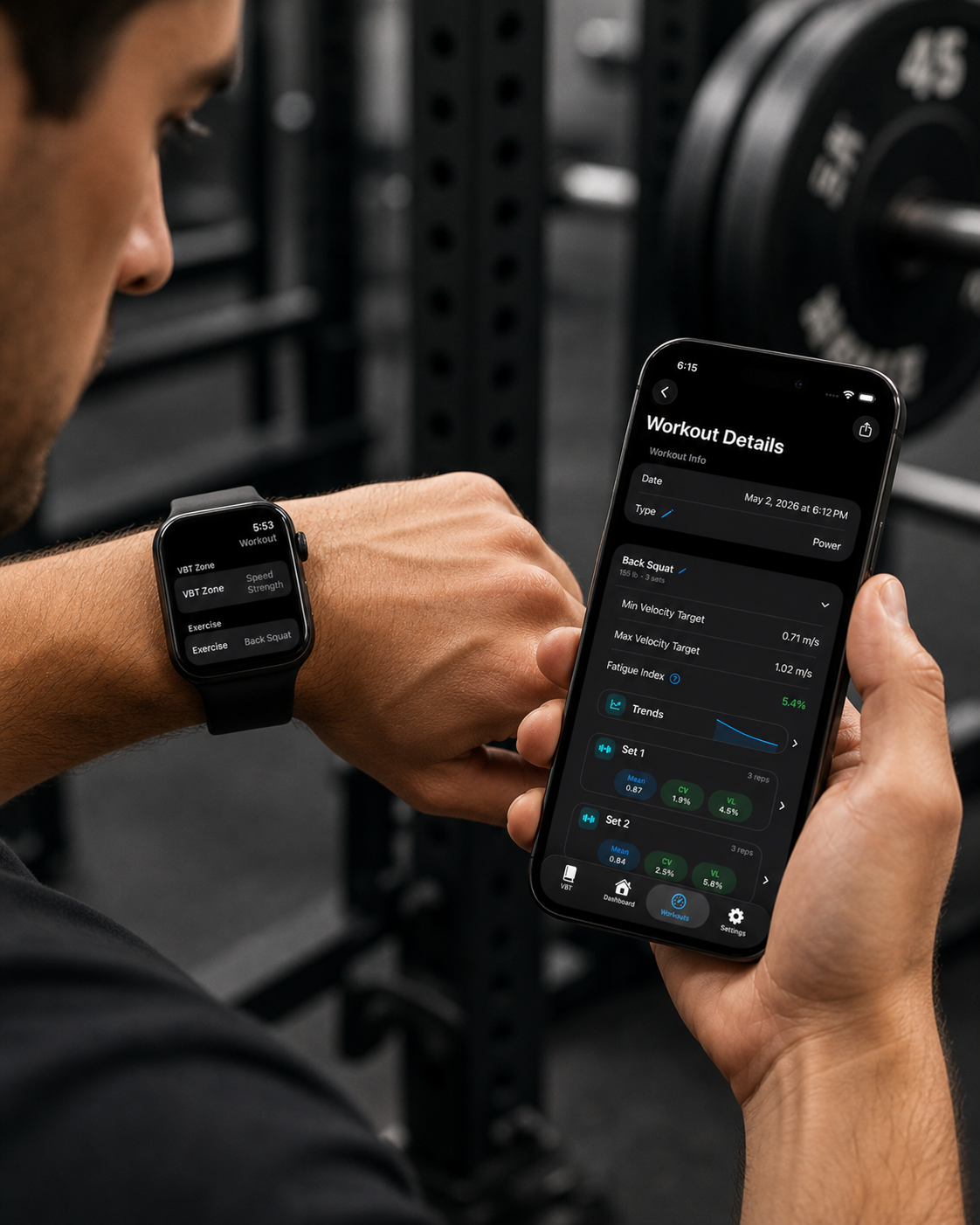

Weight Only Tells Part of the Story
Traditional lifting tells you how much weight you lifted.
AccelIntel shows how well you moved it.
AccelIntel gives you real movement data so you know:
• when to increase weight
• when to stop a workout
• whether your speed and strength are improving
Meet AccelIntel
Velocity-based training uses rep speed to estimate effort, fatigue, and training intensity. Instead of relying only on weight, AccelIntel helps you understand how each rep was actually performed.
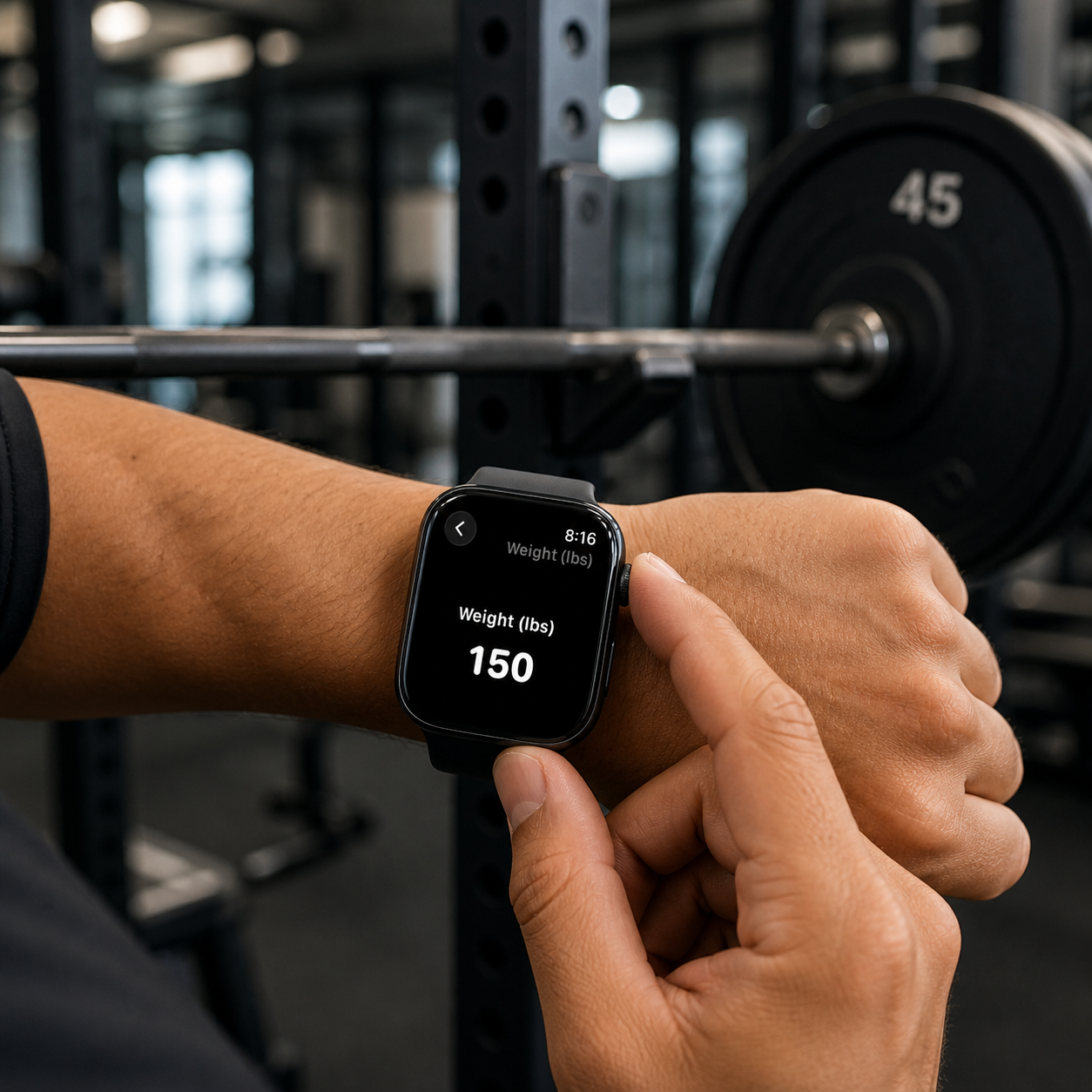
AccelIntel uses real movement data from your Apple Watch to guide your training in real time.
With every workout, you’ll know:
✓ When to increase weight
✓ When fatigue is building
✓ Whether your bar speed is improving
✓ Whether you’re training in the right zone
Real-Time Velocity Tracking
Measure bar speed on every rep.
AccelIntel captures movement from your Apple Watch and turns each set into useful training feedback.
Smart Load Recommendations
Know when to increase, maintain, or reduce.
AccelIntel compares your recent velocity, fatigue, and consistency trends so you can adjust load with more confidence.

Track Your Progress
See trends in strength, speed, fatigue, zone exposure, and readiness.


Train in the Right Zone
Hit the correct intensity every workout.
AccelIntel helps you stay in the velocity zone that matches your goal — power, strength-speed, speed-strength, or max strength.

How It Works
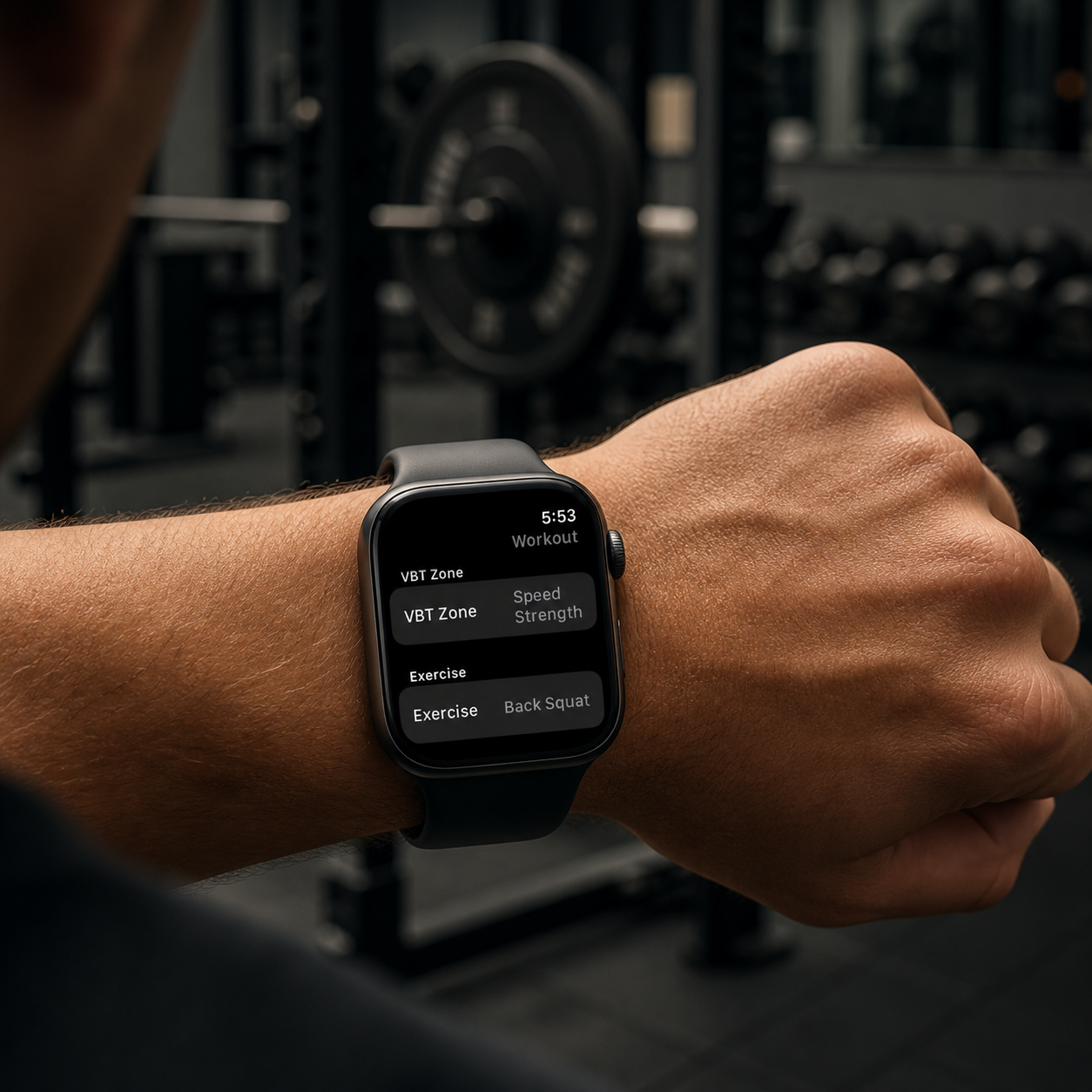
1 Track Your Workout
Use your Apple Watch to capture rep speed during each set.
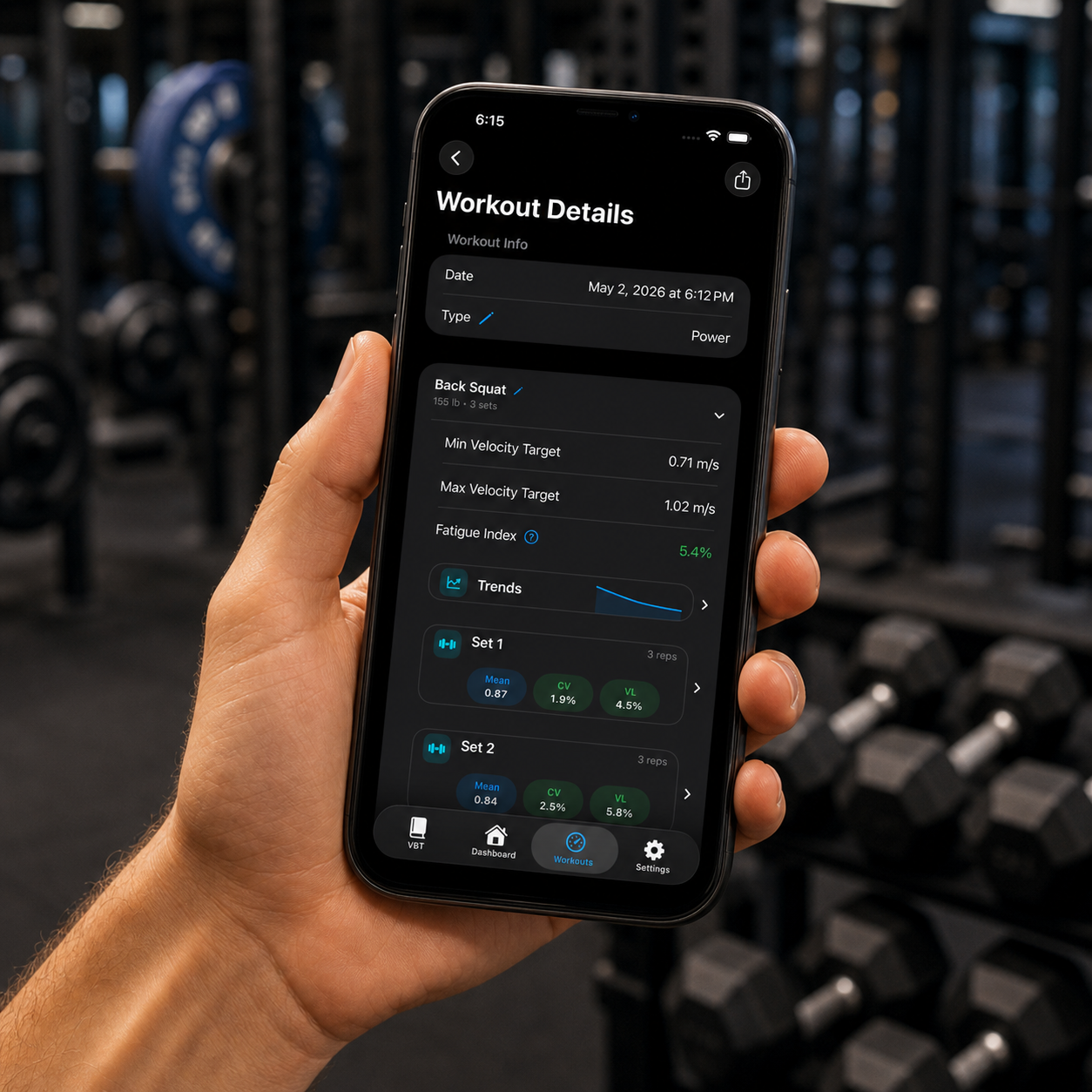
2 Analyze Performance
See velocity, fatigue and trends instantly
3 Make Better Decisions
Adjust weight, reps and sets based on real data
FAQ
-
AccelIntel is a velocity-based training app for iPhone and Apple Watch. It helps athletes and coaches measure bar speed, track velocity loss, monitor fatigue, and train in the right velocity zone during strength workouts.
-
AccelIntel is designed for sprinters, speed-based athletes, lifters, coaches, and parents of athletes who want better feedback from strength training.
-
AccelIntel uses Apple Watch and iPhone, so athletes can track rep speed without buying a separate velocity-based training device.
-
AccelIntel helps sprinters use strength training to support acceleration, explosiveness, power, and max-speed development by tracking bar speed, fatigue, and training-zone quality.
-
AccelIntel tracks bar speed, velocity loss, fatigue, training zones, strength trends, and workout performance over time.
-
Yes. AccelIntel compares recent velocity, fatigue, and consistency trends to help athletes decide whether to increase, maintain, or reduce training load.
-
Yes. AccelIntel is built around velocity-based training, also called VBT, which uses rep speed to guide strength-training decisions.
-
Traditional VBT systems often require separate hardware, sensors, or camera-based setups. AccelIntel uses Apple Watch and iPhone to make velocity-based training more accessible for athletes who want bar-speed feedback without buying a dedicated VBT device.
Start Using Velocity-Based Training With Apple Watch and iPhone
Stop Guessing.
Start Training With Purpose.